n8n 사용하는 것을 다시 이어서 해보려고 docker를 시작하니 새버전이 2개가 늘었다고 나오네요.
다시 docker를 받아야 할지 고민하다가 업데이트 방법이 있는지 알아보려 합니다.
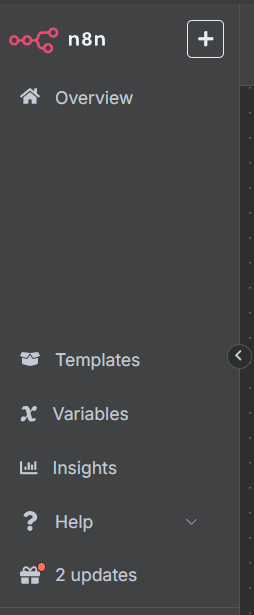
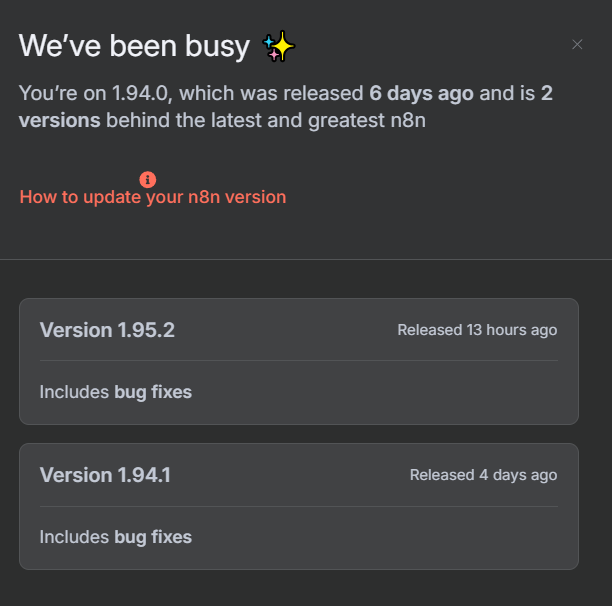
제일 편한 방법은 compose를 재실행일 것 같은데 작성한 워크플로우를 백업하고 n8n를 버전업하고 워크플로우를 다시 넣으면 될것 같습니다.
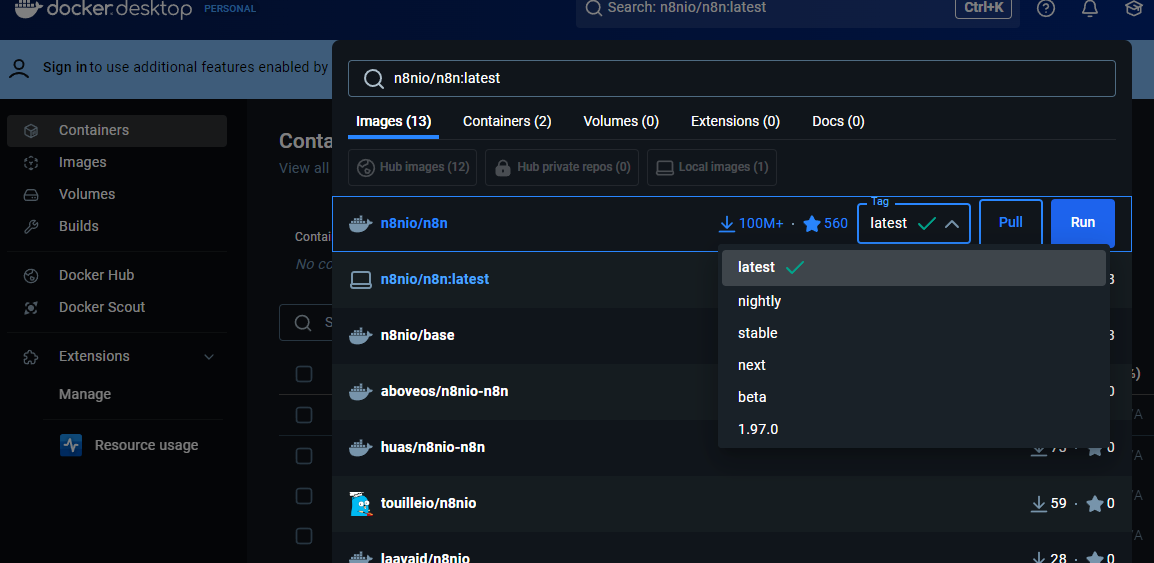
** docker image latest 버전인 1.94 버전이네요. 아래 방법으로 다시 실행해도 버전업이 안되는 사유를 열심히 찾아 보니 결국 docker image 버전 때문이었네요.
안정화 버전이 올라가면 그때 업데이트 하시는 것을 권장합니다.
굳이 최신 버전으로 다시 받을 경우에는 아래와 같이 버전에 맞춰서 받는 것이 맞을 것 같습니다.
x-n8n: &service-n8n
  image: n8nio/n8n:latest
  ...
  image: n8nio/n8n:1.97.0
** 최신 버전 이미지의 경우 docker desktop에서 Tag정보를 조회하면 알수있습니다.
https://docs.n8n.io/hosting/cli-commands/#workflows
CLI commands | n8n Docs
Hosting n8n Using the CLI CLI commands for n8n n8n includes a CLI (command line interface), allowing you to perform actions using the CLI rather than the n8n editor. These include starting workflows, and exporting and importing workflows and credentials. R
docs.n8n.io
1. 워크플로우 백업
문서에서는 백업 방법이 나와있지만 권한 문제로 정상 동작을 하지 않네요.
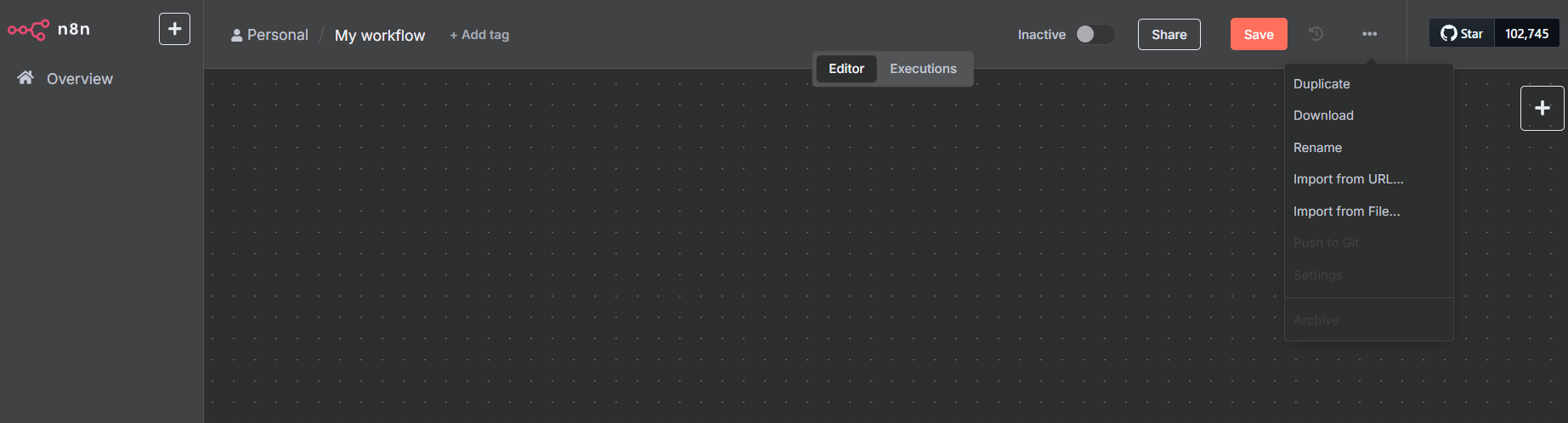
compose.yml 에 n8n관련해서 수정하고 다시 반영해서 진행하는 것이 좋아 보이네요. 백업해야 하는 중요 플로우는 ui에서 다운로드하시는것이 직관적인것 같네요.
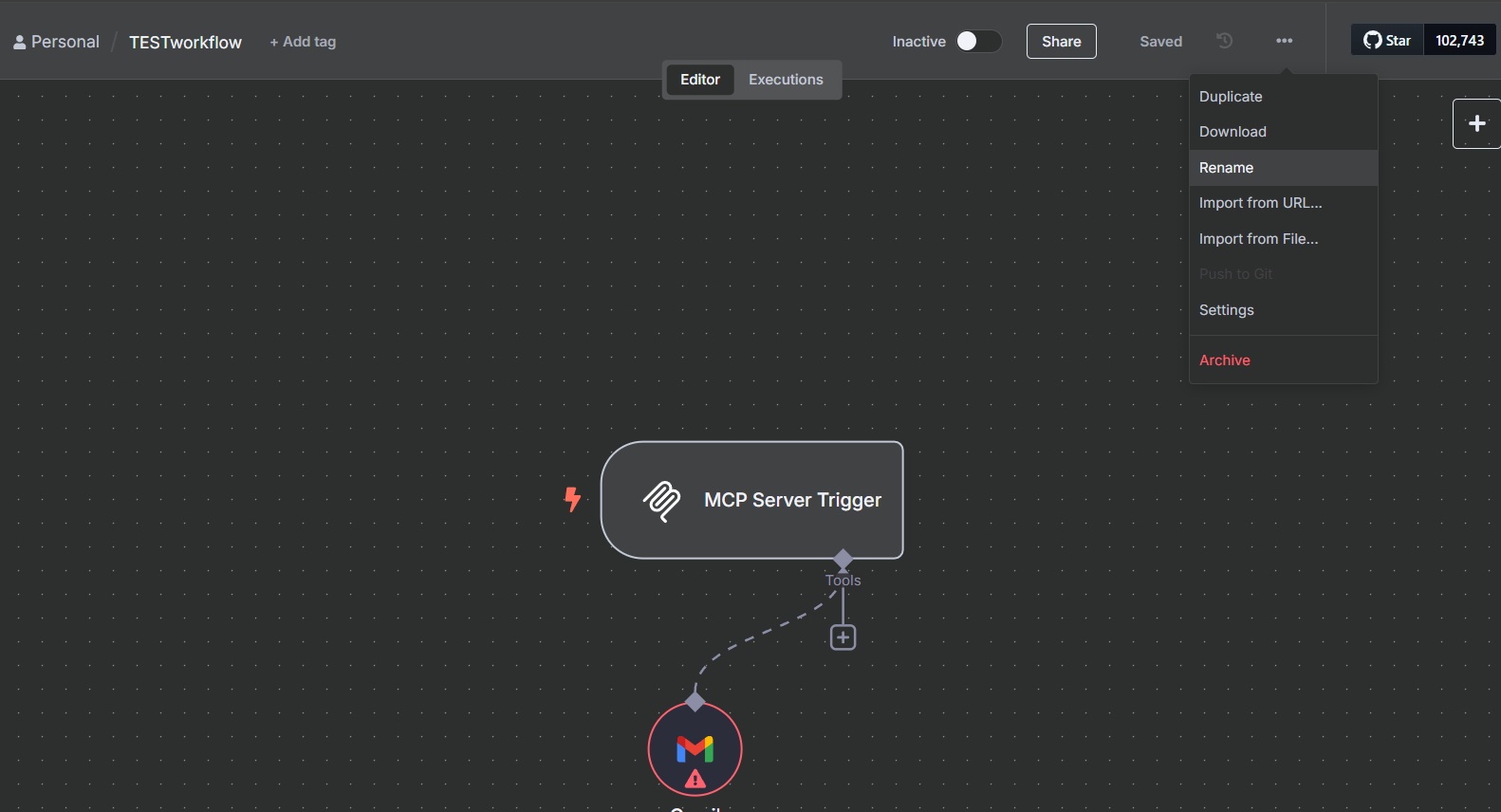
다음번 백업을 사용할 수 있도록 폴더를 추가하고 넘어가겠습니다.
  n8n:
    <<: *service-n8n
    hostname: n8n
    container_name: n8n
    restart: unless-stopped
    ports:
      - 5678:5678
    volumes:
      - n8n_storage:/home/node/.n8n
      - ./n8n/demo-data:/demo-data
      - ./shared:/data/shared
      - ./n8n/backups:/n8n/backups:rw   <<--추가
참고 문서
Workflows#
Export all your workflows to the standard output (terminal):


n8n export:workflow --all
Export a workflow by its ID and specify the output file name:


n8n export:workflow --id=<ID> --output=file.json
Export all workflows to a specific directory in a single file:


n8n export:workflow --all --output=backups/latest/file.json
Export all the workflows to a specific directory using the --backup flag (details above):


n8n export:workflow --backup --output=backups/latest/
Credentials#
Export all your credentials to the standard output (terminal):


n8n export:credentials --all
Export credentials by their ID and specify the output file name:


n8n export:credentials --id=<ID> --output=file.json
Export all credentials to a specific directory in a single file:


n8n export:credentials --all --output=backups/latest/file.json
Export all the credentials to a specific directory using the --backup flag (details above):


n8n export:credentials --backup --output=backups/latest/
Export all the credentials in plain text format. You can use this to migrate from one installation to another that has a different secret key in the configuration file.
2. compose 재실행
2025.05.27 - [프로그램/docker] - vibe coding 를 위한 deepseek in On-Premise(2025.05.26)
vibe coding 를 위한 deepseek in On-Premise(2025.05.26)
AI 홍보하시는 분들은 AI를 이용해서 코딩을 모두 할 수 있을 것처럼 이야기하지만 내용을 아는 사람이 일을 시키고 확인이 되어야 하듯 시니어 개발자에게 좀더 좋은 환경이 열리는 느낌이네요.
jsi0.tistory.com
docker compose --profile gpu-nvidia up
3. 워크플로우 재등록
ui에서 내려 받았다면 import도 ui에서 진행하면 될것 같습니다.
이전설치글 참조 바랍니다.
2025.05.27 - [프로그램/docker] - vibe coding 를 위한 deepseek in On-Premise(2025.05.26)
'프로그램 > docker' 카테고리의 다른 글
| CouchDB docker 설치 (2025.11.24) (0) | 2025.11.24 |
|---|---|
| window 11에서 docker 설치(2025.09.19) (0) | 2025.09.19 |
| vibe coding 를 위한 deepseek in On-Premise(2025.05.26) (0) | 2025.05.27 |
| 폐쇄망용 gitea 도커 이미지 작업(2023.09.06) (0) | 2023.09.07 |
| 도커 작성글 모아보기 (1) | 2023.05.29 |